

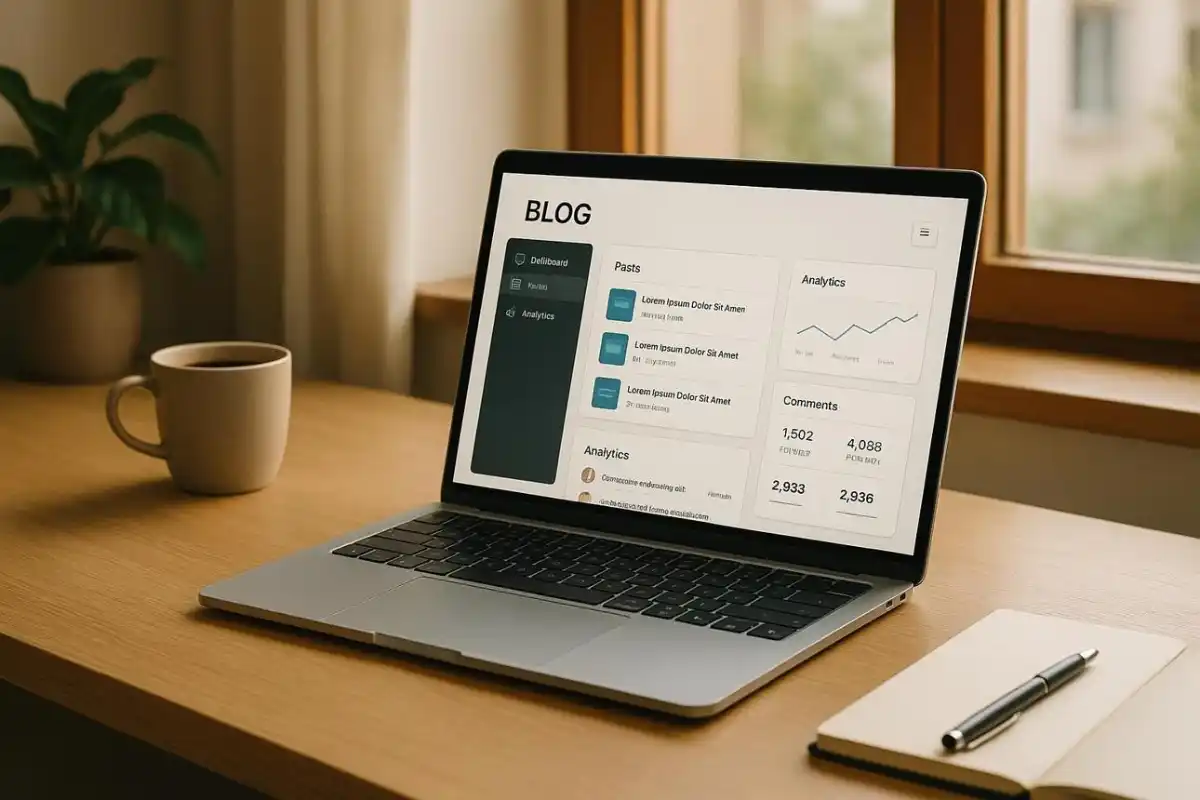
Searching for uploadblog login can lead to several websites with similar names, which makes finding the correct account page confusing. This guide explains how to identify the right UploadBlog website, check its login options, understand its publishing process, and avoid unsafe sign-in pages.
Important: UploadBlog-related websites use different domain names, including uploadblog.com, uploadblog.org, and uploadblog.io. They should not be treated as the same service. The login process and available features may differ between them.
What Is UploadBlog?
How to Post Articles on LinkedIn: A Complete Guide – EvergreenFeed Blog
UploadBlog is a name used by multiple websites connected with online publishing, blogging, and informational content. The most important step is identifying which website you want to use before attempting to access an account.
The main website at UploadBlog.com describes itself as a knowledge and information website. Its published content covers several subjects, including:
- Technology and gadgets: Articles about digital tools, software, devices, and technology trends.
- AI tools: Guides and reviews covering artificial intelligence applications.
- Gaming: Information about gaming platforms, graphics, and related topics.
- Business and finance: Business guides, financial information, and practical advice.
- Reviews and tutorials: Helpful explanations that allow readers to understand different products and services.
The homepage currently displays these content categories, but it does not show a public Login or Sign In option in its main navigation. uploadblog.com Home+1
This distinction matters because some online articles describe an account dashboard, registration system, and publishing tools that aren’t independently confirmed on the current UploadBlog.com homepage.
Before following any login tutorial, check the domain and confirm that the instructions apply to the exact website you intend to access.
How to Find the Correct UploadBlog Website
One common reason people struggle with account access is the number of websites using similar names.
Here are some domains that appear in search results:
| Website | What to know |
|---|---|
| uploadblog.com | Main content website |
| uploadblog.org | Separate website with its own publishing content |
| uploadblog.io | Separate website with a Login link |
| uploadblog.us | Another independently presented website |
These domains should not be assumed to share the same accounts, passwords, owners, or publishing systems.
For example, UploadBlog.org identifies itself separately in its website footer and provides its own contact information. Your Ideas Your Blog Your Way+2
My recommendation: Start with the exact domain you originally registered with. If you signed up on one website, entering those credentials on another domain may not work.
How to Access Your UploadBlog Account
Login on laptop in an office. 3d illustration
If you already have an account, the first step is to locate the account access page provided by that particular website.
There is an important limitation with the main UploadBlog.com website: its current public homepage does not display a login button. I could not verify a working official sign-in destination from that homepage.
Use these steps to avoid entering your information on an unrelated website.
Step 1: Open the Website You Originally Used
Open your browser and enter the exact domain you used when creating your account.
You can also check your browser history, saved bookmarks, and registration emails to identify the correct website.
Do not assume that a login page belongs to UploadBlog simply because it uses a similar logo or website name.
Step 2: Check the Website Navigation
Once the homepage opens, examine its navigation menu.
Look for account-related options such as:
- Login
- Sign In
- My Account
- Member Area
- Dashboard
If none of these options appears, check the website’s official contact or help page.
Step 3: Confirm the Login Destination
Before entering your email address or password, check the complete URL in your browser.
A secure connection using HTTPS is important, but HTTPS alone does not prove that a website is legitimate.
Check the domain spelling and confirm that the login page belongs to the service where you registered.
Step 4: Enter Your Account Details Only on a Verified Page
If you locate a verified login page, enter the email address and password associated with your account.
Check the spelling of your email address and make sure your browser hasn’t inserted an outdated password.
Never share your password through an email or message asking you to verify your identity.
Step 5: Contact the Website if No Login Option Exists
If you cannot locate an account page, contact the website through its published support information.
Explain that you previously registered and need help locating the correct account access page.
This is safer than guessing a login URL or following an unfamiliar registration link.
Can You Use UploadBlog Login on a Mobile Phone?
Mindshifters Web: One Year Later by David Castillo on Dribbble
Most modern websites can be opened through mobile browsers. However, mobile access and account authentication are two different things.
You may be able to read articles on your phone without creating an account. Access to publishing or account management tools depends on the website’s actual features.
For a mobile user, the following steps are useful:
- Open Chrome on Android or Safari on an iPhone.
- Type the website’s exact domain into the address bar.
- Wait for the homepage to load.
- Check the navigation menu for account options.
- Verify the destination before entering any personal information.
- Contact the website if the account access option is missing.
If the website offers an official mobile login page, it should work through your browser without requiring you to install an unfamiliar application.
Mobile tip: Avoid downloading an APK file or browser extension simply because a third-party guide claims it is required to access UploadBlog.
What Can You Do After Accessing a Publishing Account?
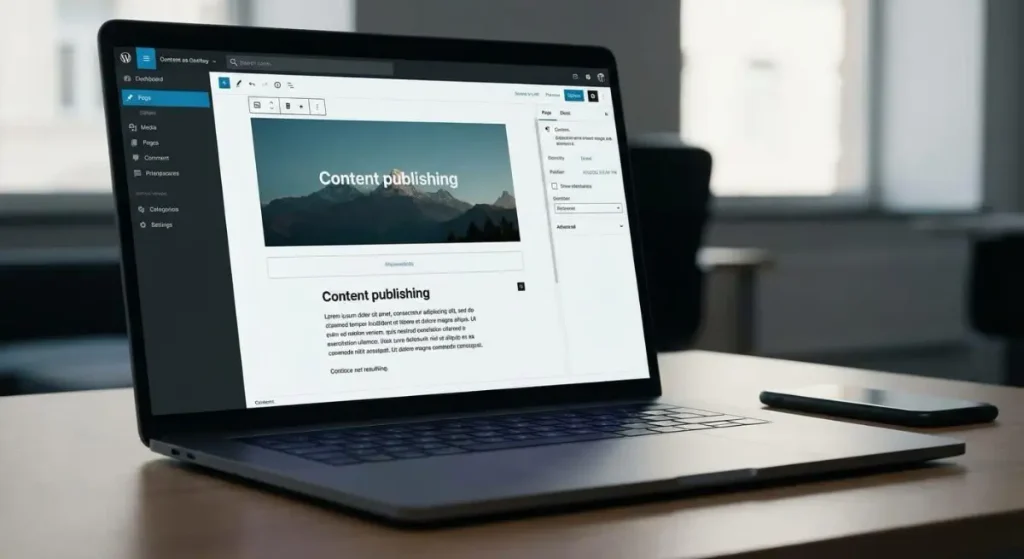
Content Management | Context Studios
The tools available after signing in depend on the specific service. A publishing platform may provide features for creating articles, managing drafts, updating author details, and organizing content.
However, these features should not automatically be attributed to uploadblog.com without confirmation.
Here are some common tools to look for when evaluating a blogging account.
Article Management
Article management allows writers to organize their content.
A typical publishing system may include options to:
- Create a new article.
- Edit existing content.
- Save unfinished drafts.
- Review submitted articles.
- Manage published posts.
These tools help writers keep their work organized instead of maintaining separate documents for every article.
Content Editor
A content editor is where writers prepare their articles before publication.
Common editor features include:
- Title and heading formatting.
- Paragraph editing.
- Hyperlink insertion.
- Image placement.
- Lists and tables.
- Article previews.
A useful editor should make it easy to prepare readable content without requiring advanced coding skills.
Image and Media Management
Images help explain complicated topics and make articles easier to navigate.
A publishing system may offer a media library where users can upload, organize, and reuse photographs or graphics.
Before uploading an image, check its copyright status, file size, and permitted usage.
Author Profile
An author profile can include information such as:
- Display name.
- Short biography.
- Profile photograph.
- Professional website.
- Relevant social media links.
A complete author profile helps readers understand who created the content.
Content Analytics
Some publishing platforms provide basic performance information.
Possible measurements include page views, visitor sources, article engagement, and popular posts.
Do not assume that these analytics are available on every UploadBlog-related website. Check the actual account interface before relying on them.
Common UploadBlog Login Problems and Their Solutions
Account access problems can happen for several reasons. Sometimes the issue is an incorrect password. In other cases, the website address, browser settings, or account status may be responsible.
Here are practical troubleshooting steps.
Help! I Forgot My Mailbox Password: Complete Recovery Guide (2025)
1. Forgot Your Password
If you cannot remember your password, first locate the verified login page for your account.
If that page provides a Forgot Password option, follow its instructions.
The usual recovery process involves:
- Selecting Forgot Password.
- Entering your registered email address.
- Checking your inbox for a recovery message.
- Opening the official password reset link.
- Creating a new, unique password.
- Returning to the verified sign-in page.
Check your spam and junk folders if the recovery email does not arrive.
If no password recovery option exists, contact the website directly. Do not trust password reset links from unrelated websites.
2. Incorrect Email or Password
An incorrect credentials message does not always mean your account has been deleted.
Try these checks:
- Confirm that you entered the correct email address.
- Check for spelling mistakes.
- Make sure Caps Lock is turned off.
- Remove unwanted spaces.
- Check whether your browser inserted an old password.
- Confirm that you are using the correct website.
If you recently changed your password, make sure you are using the updated version.
3. Login Page Is Not Loading
A blank page or loading error may be related to your browser or the website itself.
Try the following:
- Refresh the page.
- Open the website in another browser.
- Test your internet connection.
- Temporarily disable extensions that may interfere with website scripts.
- Clear cached website files.
- Try again from another device.
If the website remains unavailable, wait and contact its support team.
4. Account Verification Email Is Missing
Some websites require email verification before allowing users to access their accounts.
If you recently registered but cannot access your account, check your email folders.
Look in:
- Primary inbox.
- Spam folder.
- Promotions folder.
- Updates folder.
- Junk mail.
If the website provides a resend verification option, use it through the verified account page.
Never send your email password to someone claiming they can manually verify your account.
5. Login Button Is Not Working
Sometimes a website loads correctly, but its buttons do not respond.
This can happen because of browser compatibility issues, blocked scripts, or temporary website errors.
Try opening the page in a private browsing window. If the button works there, your regular browser settings or stored website data may be responsible.
You can also test another device to determine if the problem is limited to your computer.
6. You Keep Getting Redirected to Another Website
This problem deserves extra attention.
A login page that sends you to an unfamiliar domain may not belong to the service you intended to access.
Close the page if you cannot verify the destination. Do not enter your password, payment information, or other private details.
Is UploadBlog Login Safe?
Online account security should be a priority whenever you use a publishing platform.
The first step is identifying the actual website. A familiar name, logo, or search result does not guarantee that a page is connected to the service you intended to visit.
There are several precautions worth following.
Check the Exact Domain
Look at your browser’s address bar before entering your credentials.
For example, uploadblog.com and uploadblog.org are different domains.
A small difference in a web address can lead to an entirely different website.
Look for HTTPS
A website using HTTPS encrypts information transferred between your browser and the website.
However, HTTPS does not automatically mean the website is trustworthy.
Always combine this check with domain verification.
Use a Unique Password
Never reuse your primary email password on a blogging website.
A strong password should contain a combination of uppercase letters, lowercase letters, numbers, and special characters.
A password manager can help you create and store unique passwords.
Avoid Unverified Login Links
Search engines can display articles from different websites that discuss the same brand.
Do not automatically trust a sign-in link simply because it appears in a search result.
Instead, visit the website you originally registered with and locate its account access option.
Log Out on Shared Computers
If you use a public computer or shared device, log out after completing your work.
Also avoid saving passwords in browsers that other people can access.
UploadBlog.com vs UploadBlog.org vs UploadBlog.io
One of the biggest sources of confusion is the similarity between these website names.
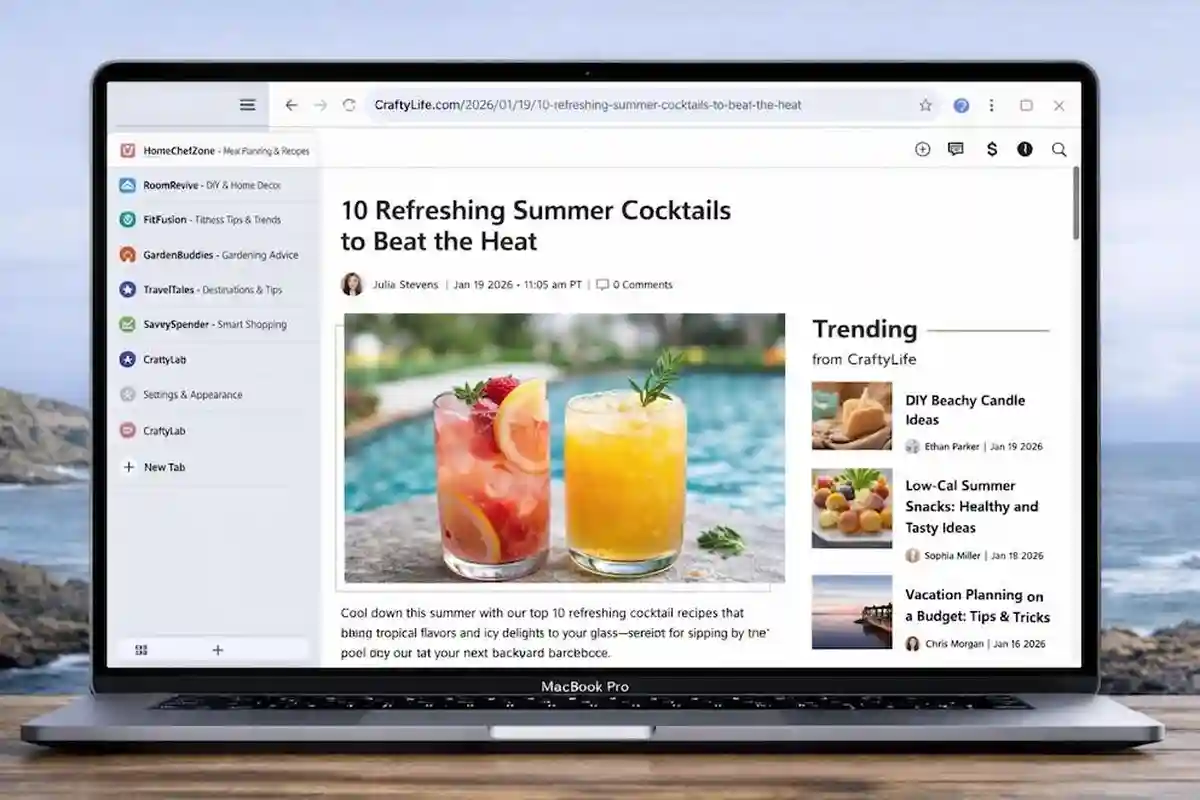
Chrome bekommt endlich vertikale Tabs
Understanding their differences can help you avoid using the wrong account.
| Feature | UploadBlog.com | UploadBlog.org | UploadBlog.io |
|---|---|---|---|
| Website identity | Main content website | Separate publishing website | Separate website |
| Public articles | Yes | Yes | Yes |
| Visible login link | Not on current homepage | Not on current homepage | Yes |
| Shared account confirmed | No | No | No |
| Same ownership confirmed | Not established | Not established | Not established |
Important research finding: UploadBlog.io displays a Login link that leads to a separate pearassessment-login.lovable.app address. I could not verify that this destination is an official UploadBlog.com account portal. Do not enter credentials there unless the intended service independently confirms the connection. uploadblog+2
This is why checking the complete destination address is more important than relying on a website name.
Does UploadBlog Offer Free Registration?
The answer depends on which website you mean.
Some websites using the UploadBlog name describe free publishing or account registration. However, that does not establish that uploadblog.com currently offers a public registration system.
The current uploadblog.com homepage does not display a public sign-up or account registration option. uploadblog.com Home+1
Before registering, check the following:
- Is there a visible registration page?
- Does the website explain its account requirements?
- Are any subscription charges mentioned?
- Is there a published privacy policy?
- Can you identify a legitimate contact method?
- Does the registration page use the domain you intended to visit?
If the website requests payment, ask for clear pricing information before proceeding.
Do not assume that an account is free simply because an unrelated article describes it that way.
How to Contact UploadBlog for Account Assistance
If you cannot locate an account page or need help with an existing account, contacting the relevant website is a sensible next step.
For UploadBlog.org, the website publicly lists the following email address:
PUBLISHED CONTACT FOR UPLOADBLOG.ORG
admin@linkifymedia.com
This contact information belongs to UploadBlog.org. It should not be assumed to provide support for uploadblog.com or uploadblog.io. Your Ideas Your Blog Your Way+1
For uploadblog.com, use its Contact Us page and check the available contact details.
When requesting assistance, include:
- Your registered email address, if appropriate.
- The exact website address.
- A short explanation of the problem.
- The error message you received.
- The steps you have already tried.
Never include your password, verification code, or payment card details in a support message.
Frequently Asked Questions About UploadBlog
1. What is the official UploadBlog login website?
The correct website depends on which UploadBlog service you registered with. The current uploadblog.com homepage does not display a public login button. Always verify the website before entering your account information.
2. Why can’t I find the UploadBlog sign-in button?
The current uploadblog.com homepage displays content categories and articles but does not show a Login or Sign In option in its main navigation. The account access process is not publicly confirmed.
3. Can I access UploadBlog from my phone?
You can browse UploadBlog websites using mobile browsers such as Chrome and Safari. However, access to account management features depends on the particular website.
4. Is UploadBlog free to use?
Different websites using the UploadBlog name describe different publishing options. The current uploadblog.com homepage does not provide enough information to confirm a free account registration plan.
5. How do I recover my UploadBlog password?
Visit the verified website where you originally registered. If it offers a password recovery option, follow its instructions. Otherwise, contact the website through its published support channel.
6. Is UploadBlog.com the same as UploadBlog.org?
No. These are separate website domains. They have different publicly available content and contact information. An account on one website should not be assumed to work on the other.
7. Does UploadBlog have a mobile application?
I could not verify an official UploadBlog mobile application. You can access its publicly available website through your phone’s browser. Avoid downloading unofficial applications.
8. Why does my UploadBlog login page redirect me elsewhere?
A redirect can happen for different reasons, but an unfamiliar destination deserves caution. Check the complete URL and verify the connection with the intended website before entering any credentials.
9. Can I publish articles on UploadBlog?
UploadBlog.org has a public Write For Us page inviting writers to submit articles. UploadBlog.com also publishes articles, but its current public homepage does not establish a self-service publishing dashboard. Check the submission rules for the specific website.
10. What should I do if I cannot access my account?
First, confirm the original website address. Then check your email, password, browser settings, and available recovery options. If these steps do not work, contact the website’s support team.
Final Verdict
Finding the correct account page requires more than searching for a familiar website name.
The most important takeaway from this research is that several unrelated websites use the UploadBlog name. The current uploadblog.com homepage does not provide a visible public sign-in option, while other domains display different publishing and account-related information.
If you’re researching uploadblog login, verify the exact domain, avoid unconfirmed login links, and contact the relevant website when account access is unclear.
For writers, bloggers, and digital marketers, checking a platform’s actual publishing features and account policies before registering is a smart way to protect personal information and avoid unnecessary problems.

Logan Carter writes straightforward sports guides to help fans find NFL game times, TV channels, and streaming options. He makes sports information easy to understand so readers can spend less time searching and more time enjoying the game.
1 thought on “UploadBlog Login Guide 2026 Access in Seconds”